

Community News & Updates
More Districts are Joining Clevr!
We are pleased to welcome 2 new clients to the Clevr community.
| KTCEA | Strathcona-Tweedsmuir School |
Clevr Product Roadmap Recap & Preview
New ways you can benefit from the latest features
We shipped some big updates we think you’ll love.
From a redesigned person profile and threshold-based notifications to flexible data retention rules, here’s what’s new and coming soon to Clevr.
Recently Released
✅ The New Person Profile: A complete overhaul of the Student Profile — now redesigned with a compact layout and powerful Table View for side-by-side analysis
✅ Threshold-Based Notifications: An early warning system that spots trends in your data. This feature monitors your data in real-time, counting records that match your specified criteria. When the count hits your predefined threshold, notifications are triggered automatically to your designated recipients.
✅ Data Retention Rules
Set rules to automatically delete data based on conditions you define — like student records at age 25 or staff after 3 years of inactivity. Coming soon: schedule-specific record deletion by form type
Coming Soon
✅ The New Form Editor: Built for speed, clarity, and control — the new editor will dramatically reduce the time needed to design and modify forms, apply permissions, tweak form logic, and more. (Real efficiency gains: applying permissions was reduced from 90 minutes to just 7!)
✅ Workflow Visualization: Track form completion across your organization directly from your dashboard. Assign due dates, allocate tasks, and get visual progress summaries — all in one place.
✅ A Brand New Dashboard: We’re redesigning the dashboard aka “landing page” to be more modern, intuitive, and action-oriented. You’ll love the clean interface and simplified access to everything that matters.

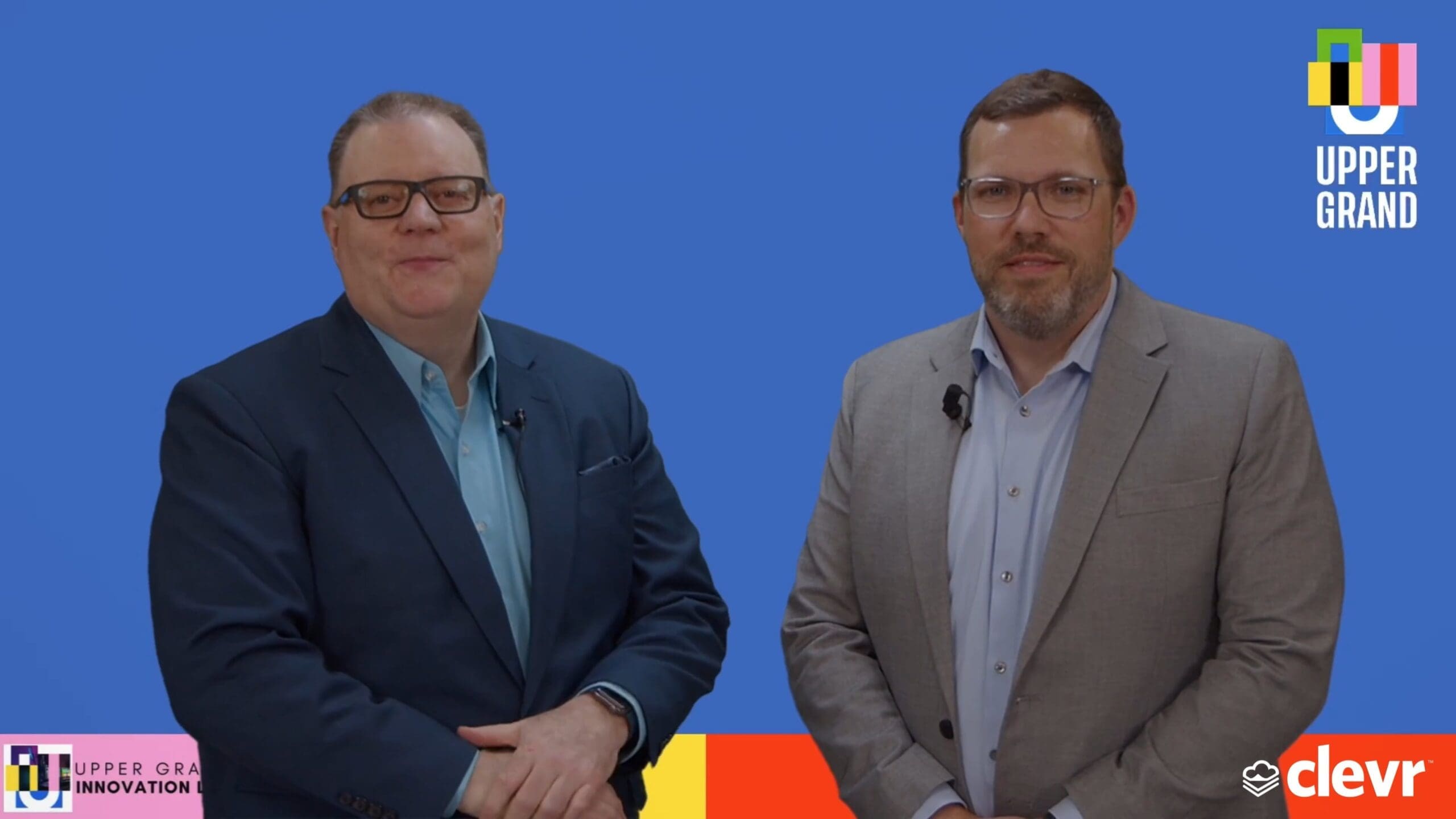
From Vision to System-Wide Impact: How Upper Grand DSB Redefined Continuous Improvement with Clevr
When the Upper Grand District School Board set out to rethink professional learning and school improvement, they didn’t just look for a digital tool — they looked for a transformation partner. What they found in Clevr was a platform flexible enough to support bold innovation and intuitive enough to unify an entire system under one shared mission.


Introducing the Clevr Editor Forum
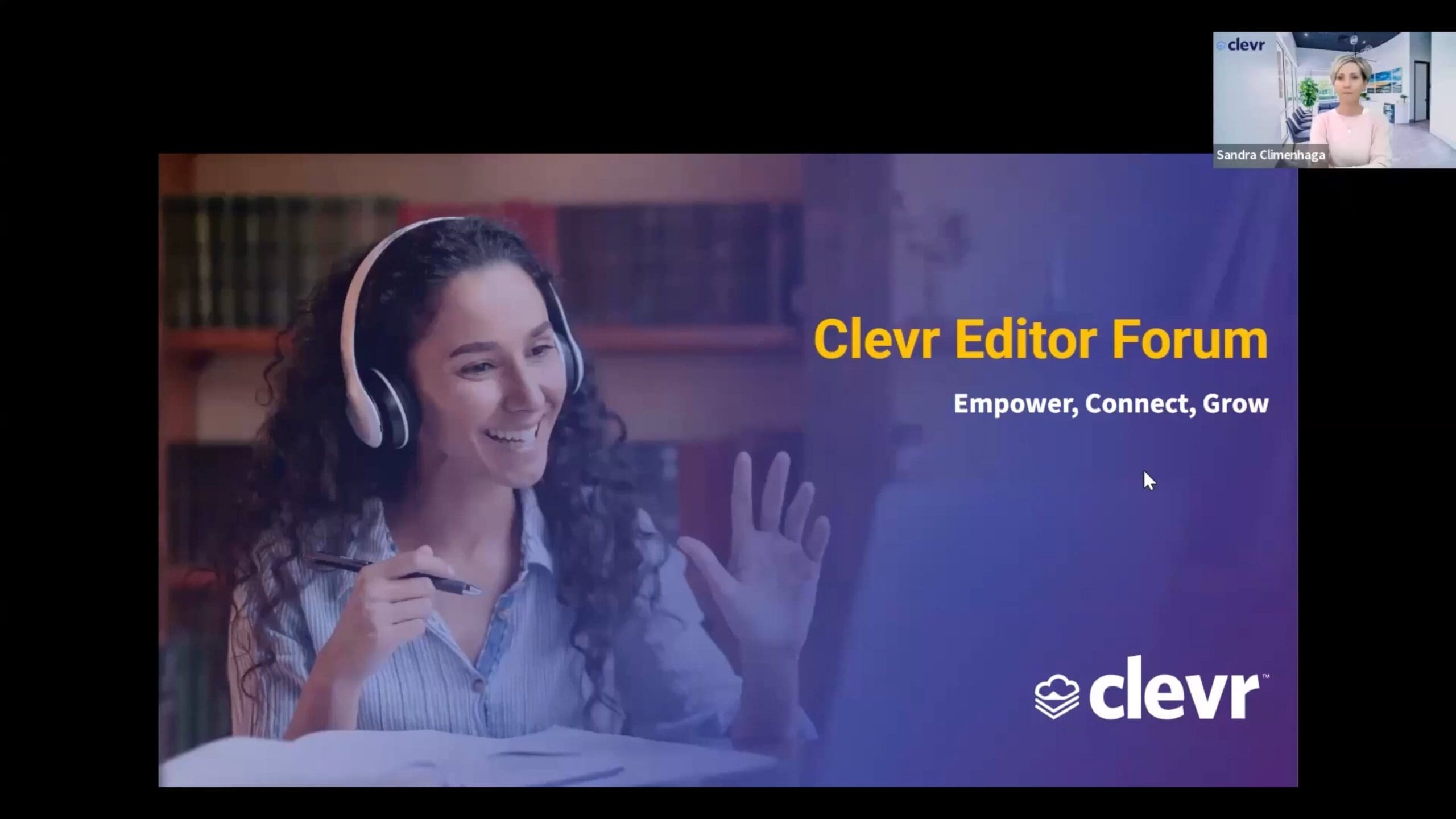
Where form editors connect, collaborate, and grow — together.
Developing forms shouldn’t feel like a solo mission. That’s why we’re thrilled to introduce the Clevr Editor Forum — a new space designed to bring our editor community together. Think of it as your go-to hub to ask questions, share tips, explore new ideas, and tap into the collective expertise of fellow editors across districts.
The Editor Forum offers a faster, more collaborative way to find answers, without always needing to submit a support ticket.
For all the Clevr Editors, this is your space to learn, connect, and grow. Ready to join? Just send Sandra Climenhaga (sclimenhaga@clevr.ca) a quick email and we’ll get you set up!
Getting Ready for the 2025-2026 School Year?
As you begin planning for the upcoming school year, we’re here to assist you in preparing your Clevr records. Ensuring your records are set up properly is an important step in your planning process.
To support you, our team will be hosting live Q&A sessions in June and August to answer your questions and guide you through your Clevr Record Rollover process. While a formal invitation will be sent soon, we encourage you to save the date now:
Upcoming Q&A Sessions
- June 19
- June 26
- August 21
- August 26
In the meantime, you can review our Help Center resources for a refresher on the process: Your Clevr Record Rollover – 4 Step Process to Ensure Success
We look forward to supporting you!
The Clevr Team
support@clevr.ca
Share this


